
 中文
中文 
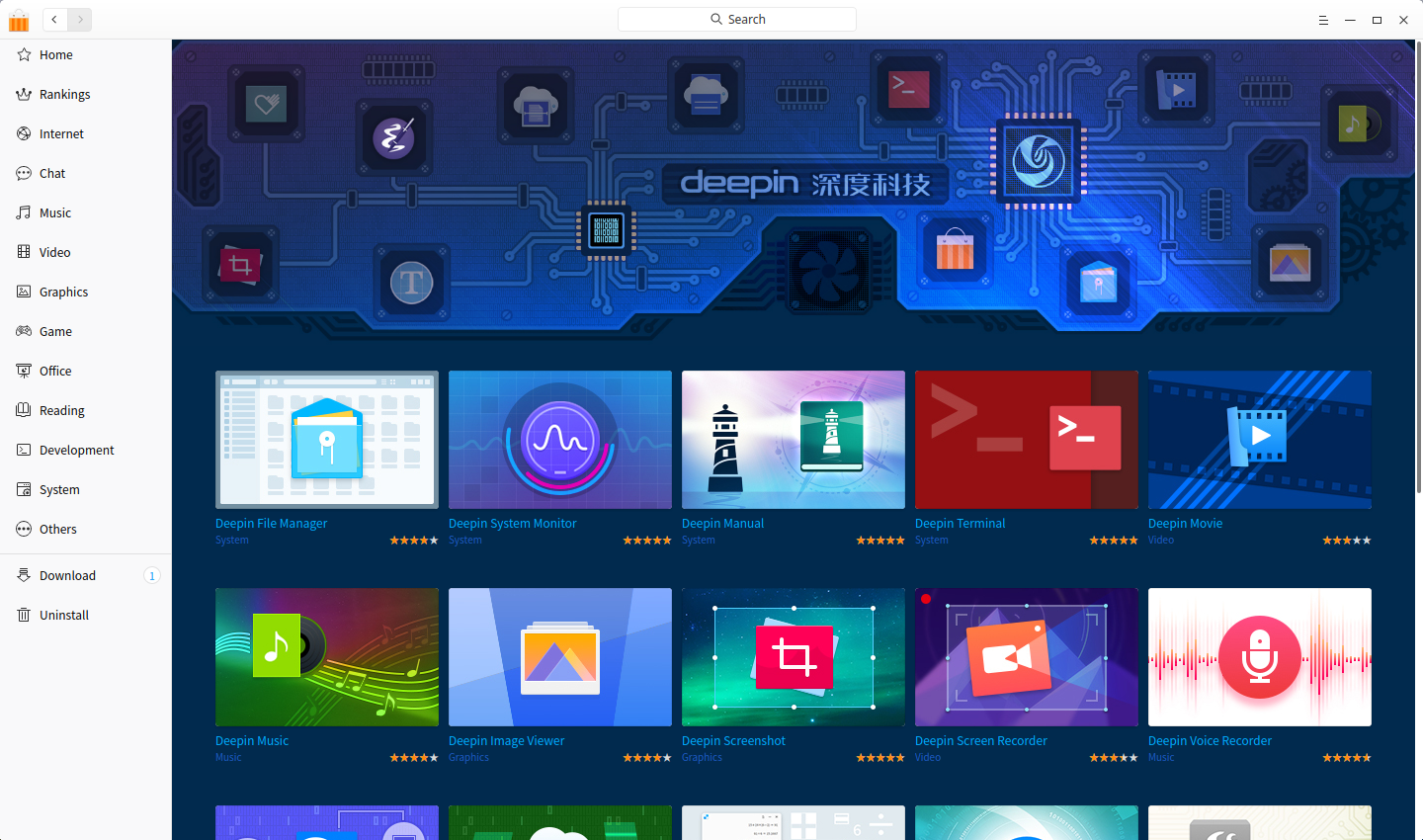
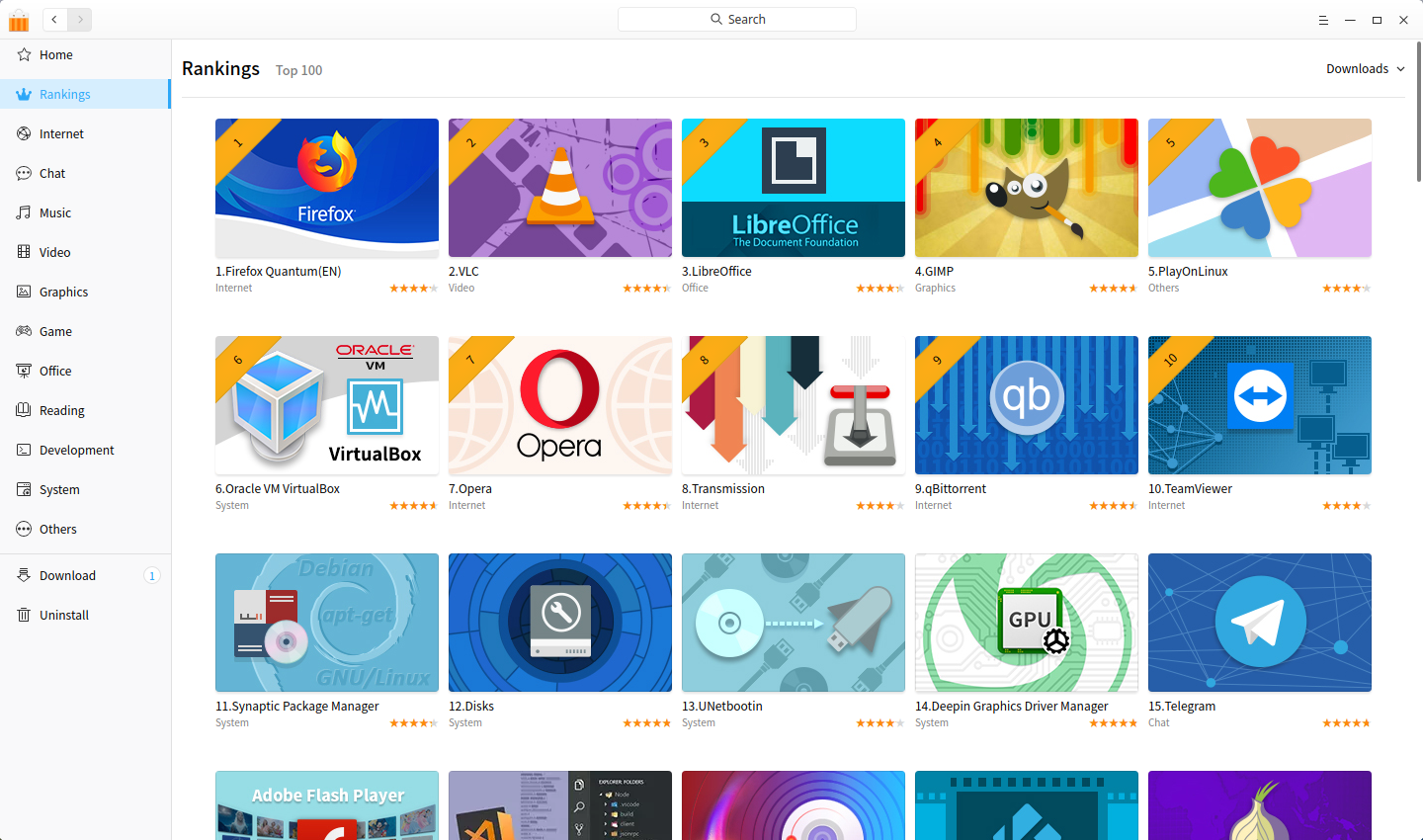
Deepin Store is a high quality and rich application store, used to display, download, install, review and rating applications. It includes the selections of popular apps, new updates and hot topics, etc., supporting one-click installing, updating and uninstalling.
Since the release of Deepin Store V4.0, we have received a lot of feedback and suggestions.
Based on these advice, Deepin Store V5.0 is rewritten and optimized compeletely to give a new user experience. And it will be updated and optimized continuously in the future, keeping improving application management and user experience.
Now, besides that, we are also exploring the possibility of bringing benefits to application developers. So in the completely new Deepin Store V5.0, we not only optimized the page display and download speed, but also added the donation function. In this way, application developers can, on the one hand, share the developed or discovered excellent applications to all users, on the other hand, get benefit by their open source and sharing mind. What's more, it helps open source developers and enthusiasts explore new modes to promote the development of the open source ecosystem.
Let's discover more features about Deepin Store V5.0.
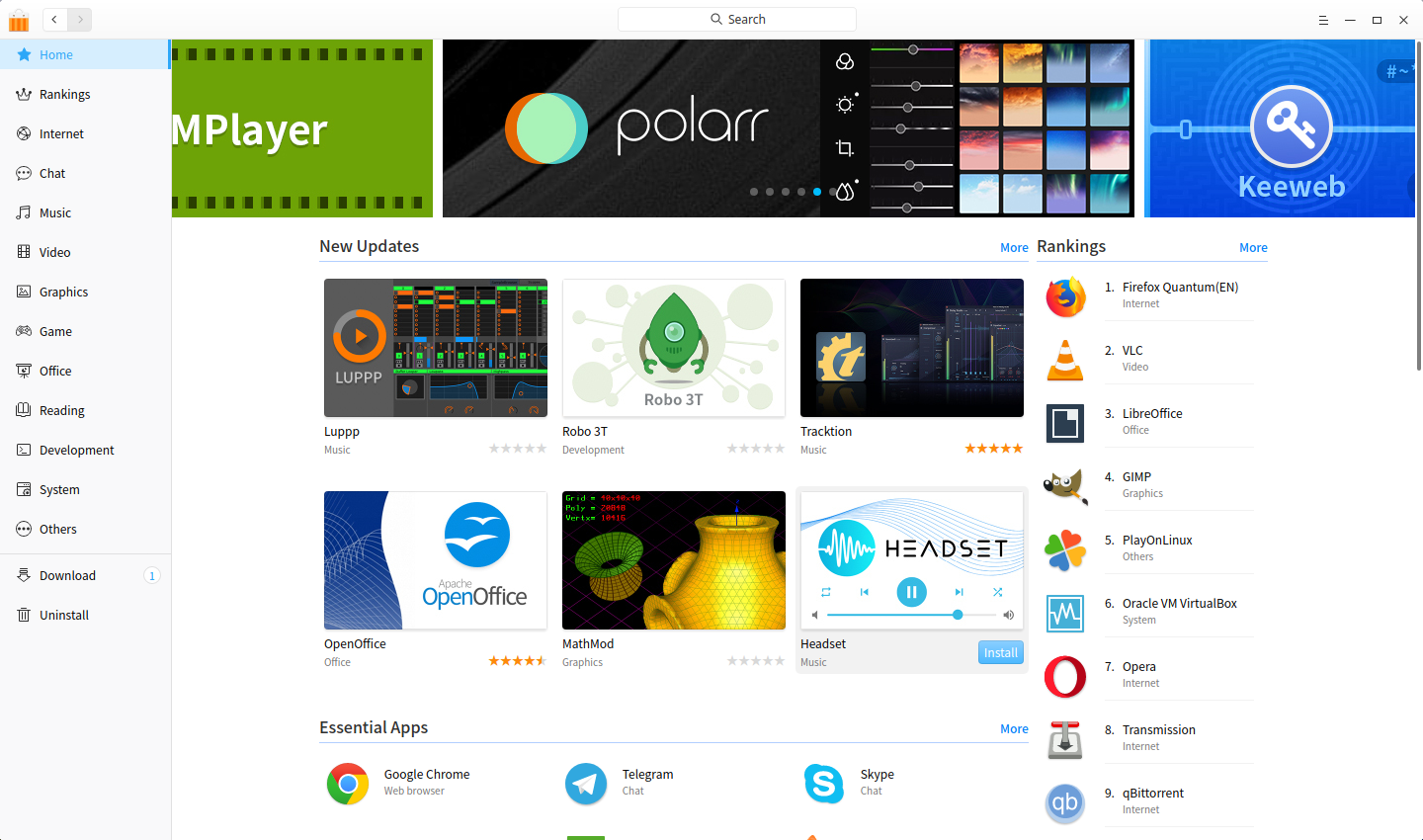
Manage your apps in one store conveniently
Deepin Store collects different categories of apps, and each one is manually installed and verified. You can search apps, download and install them at one-click in it.
The downloading and installing process can be easily managed, which can be paused, retried, or cancelled; if the installation fails, you can view the failure reason and tell us the details to solve the problem faster.
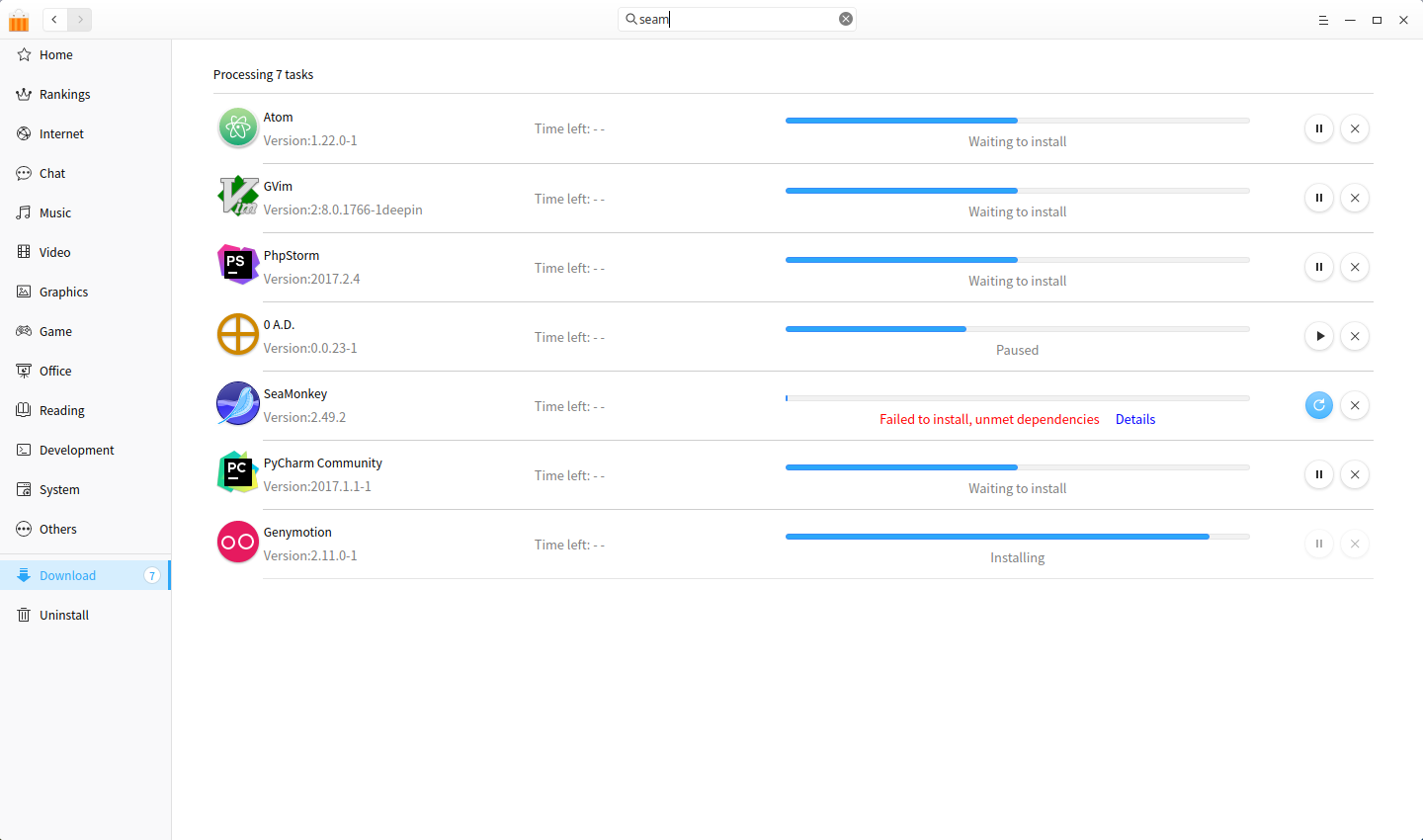
In addition, the downloaded app can be updated and uninstalled in Deepin Store easily.
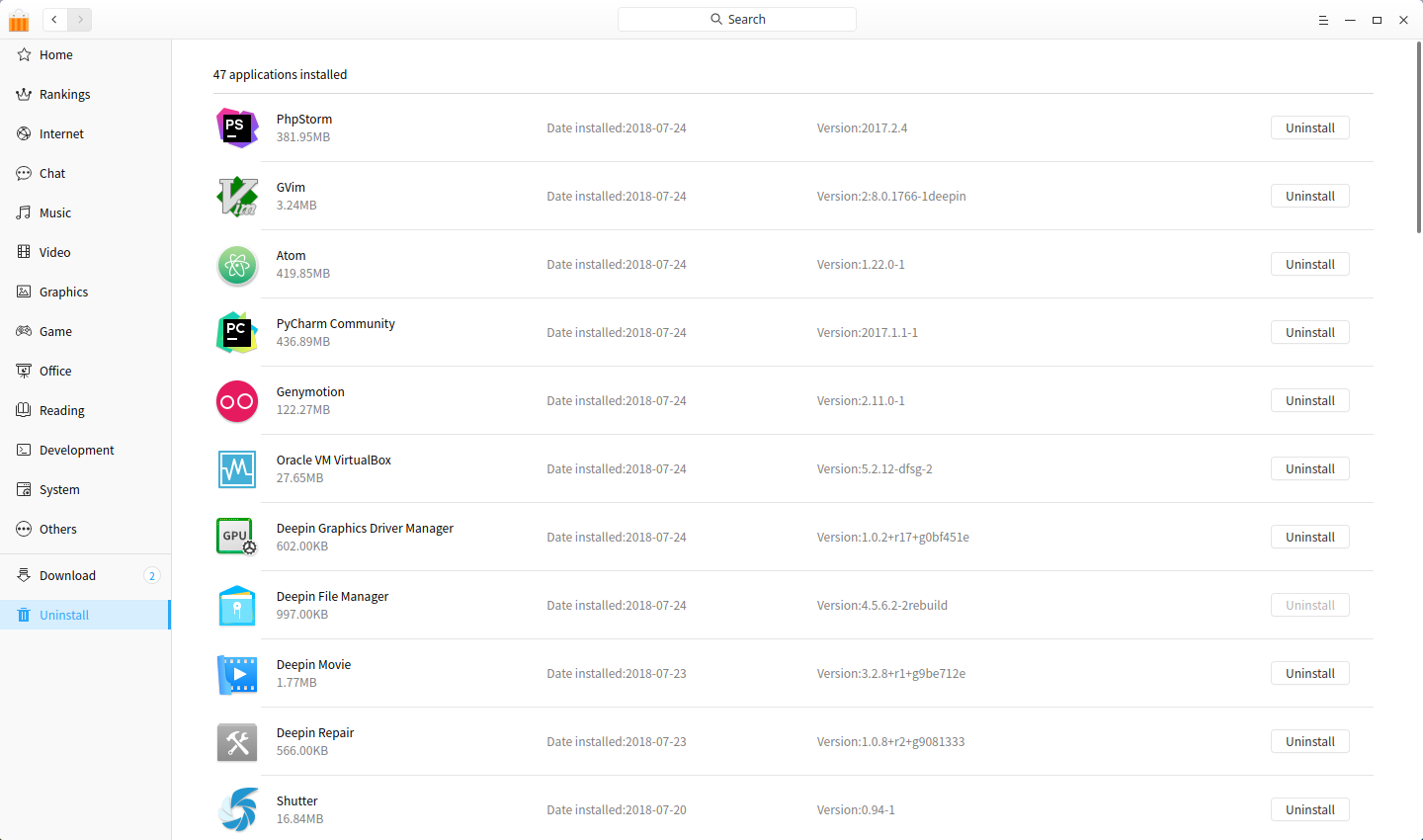
Recommend your desired app directly
To be a “high-quality App Store”, every application in Deepin Store is checked and reviewed manually, insisting that only the hottest, latest or best applications are put in the store.
However, since users are in all walks of life, the application demand varies greatly. Sometimes you may not find the application you want in Deepin Store, then you can click on “Recommend App” in the main menu to recommend high-quality apps to us.
Update old apps according to your requirements
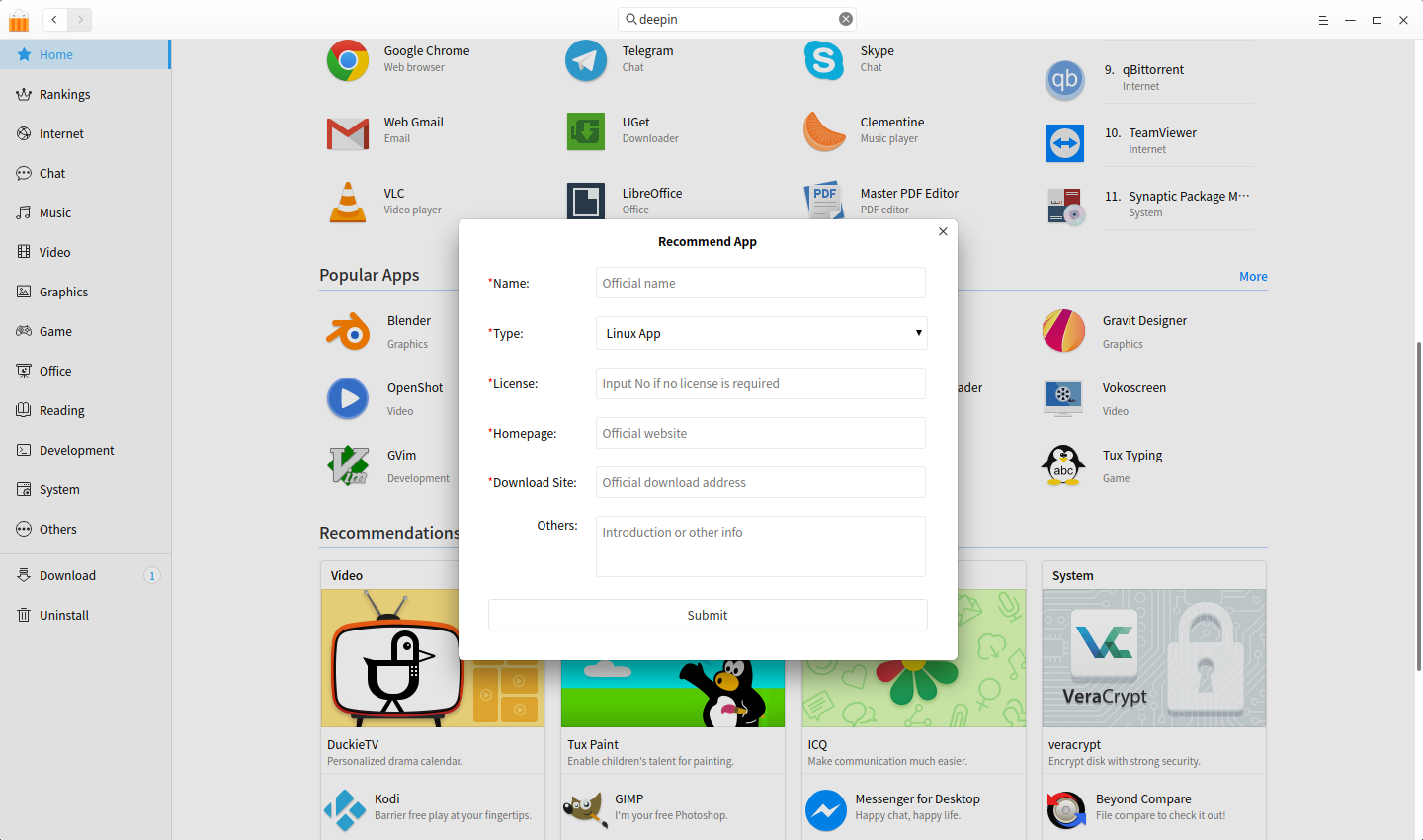
Since the application in Deepin Store is sourced from deepin repository and packaged by us, usually users cannot get the latest version of each application. So "Ask for update“ is added to urge updates. If you find that an app has a newer version, please let us know by this feature, we will arrange the update as soon as possible according to the urging frequency.
Donate apps to improve open source ecosystem
In the open source community, anyone can obtain, copy and distribute the source code for free all the time. Therefore, under the condition of respecting the labor results of developers and community rules, Deepin Store collects many excellent applications in it.
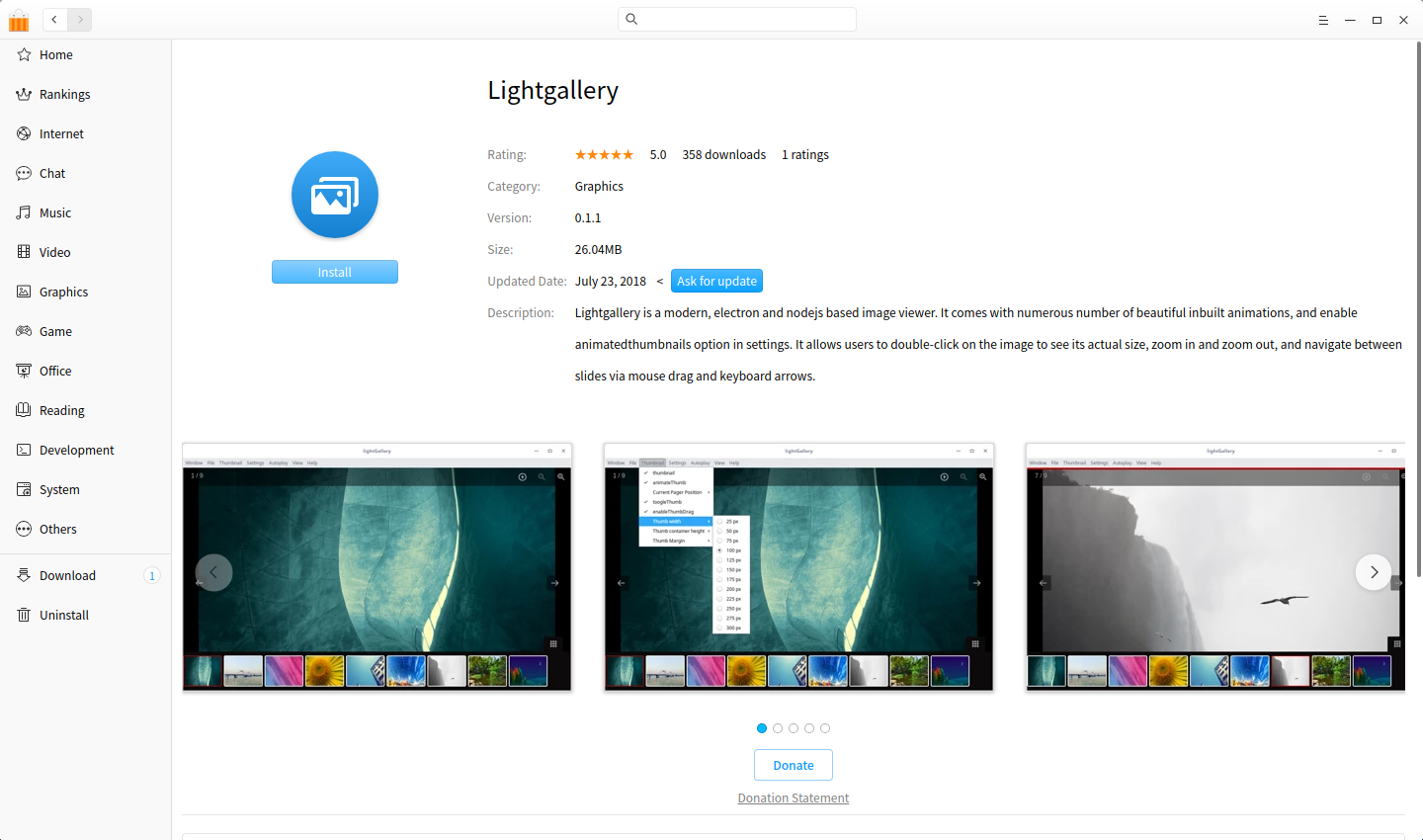
To appreciate for the positive contributions of community developers, in Deepin Store, whether it is open source or free closed source software, the donation channel is open by default, with the functions of income claiming, withdrawing, distributing, and so on.
See: The Donation Statement of Deepin Store
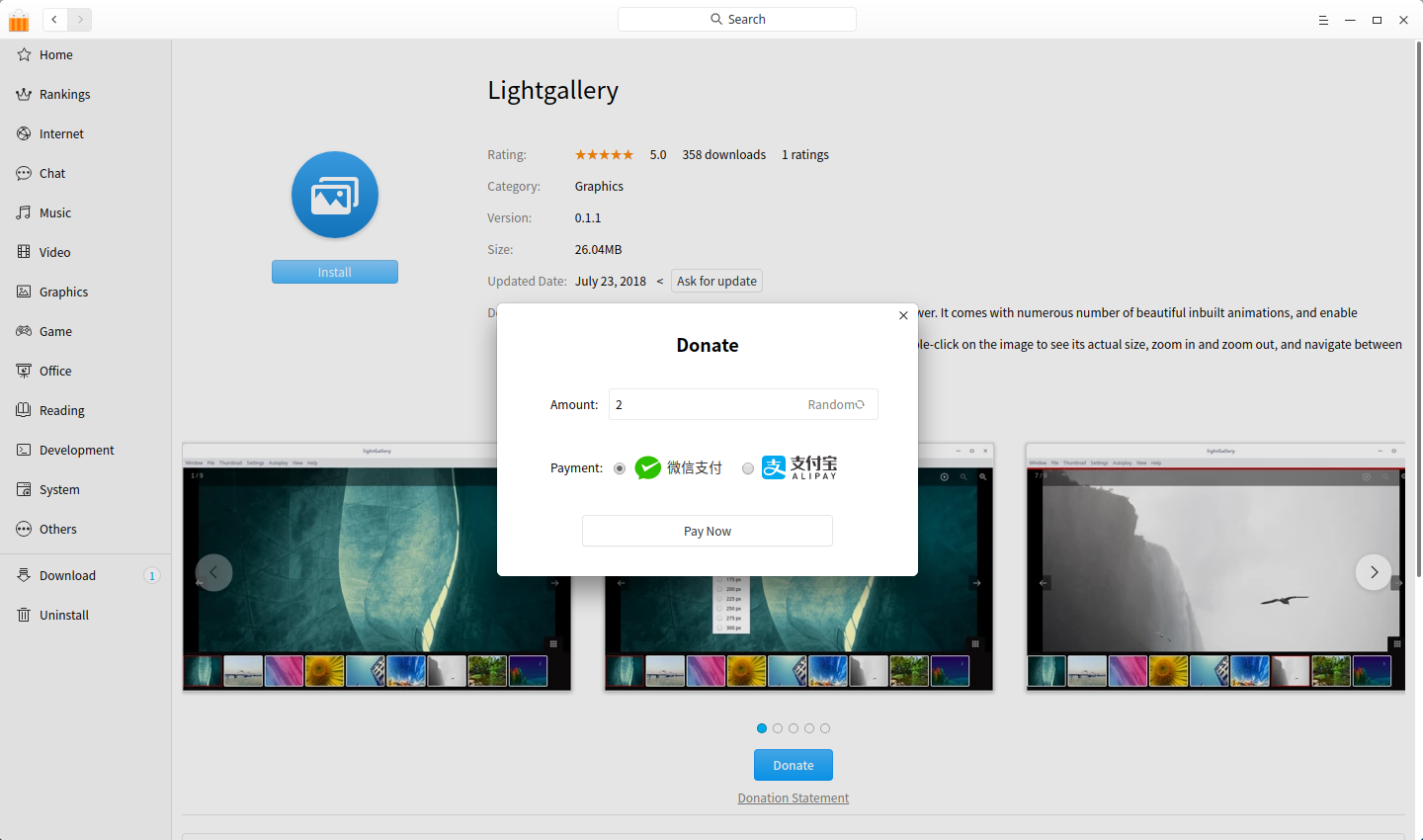
Get more app details and clearer screenshots
In addition to the obvious categories, delicate application covers, icons, detailed descriptions and so on, clearer screenshots are displayed to help you find the favourite application more quickly.
In the application details page, you can click the screenshot to view it in a large one, and switch to the next directly, in this way you can learn more about the application details when the app is not installed.
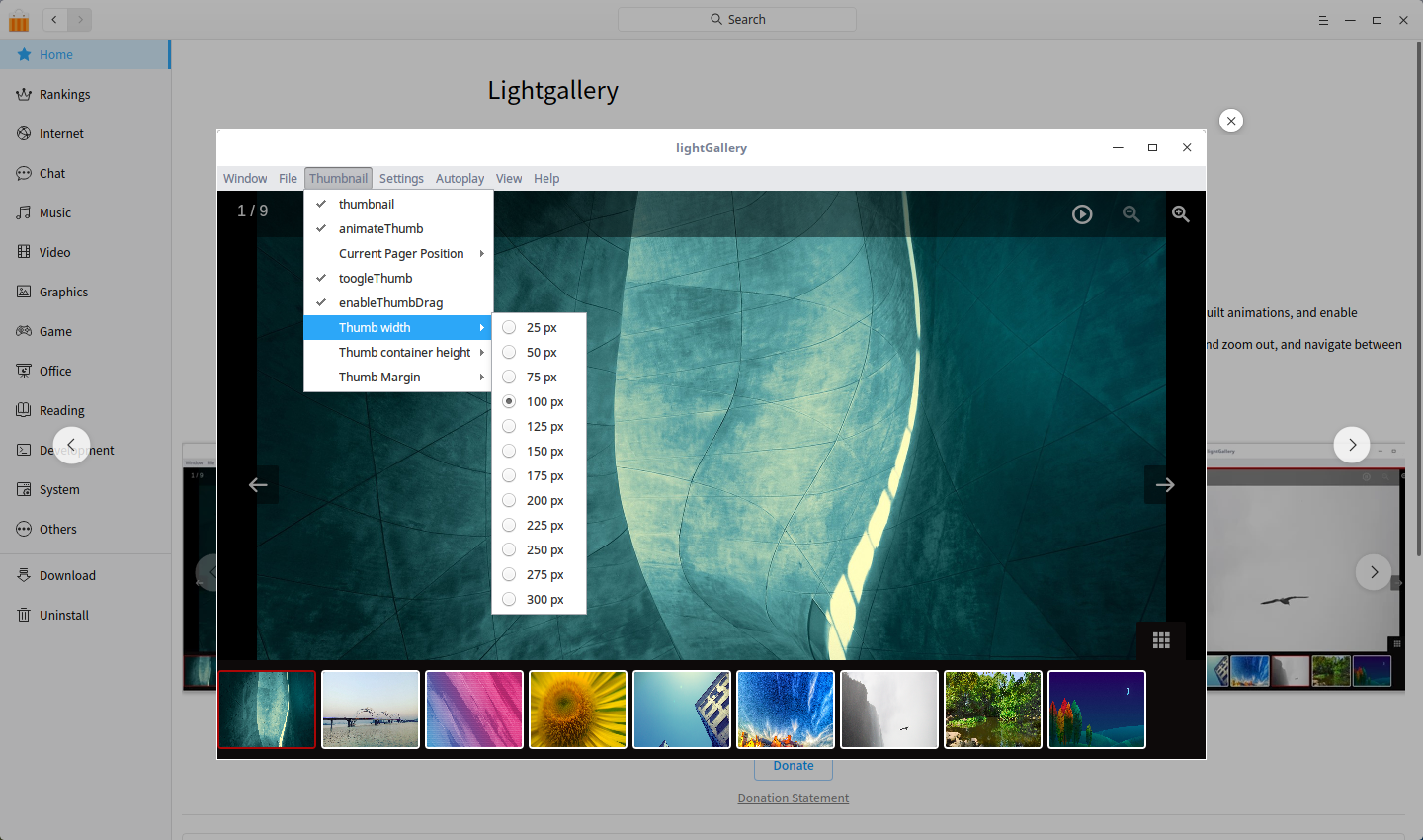
Smart search an app to find it easily
In Deepin Store, you can search an app by its name, description and slogan to easily find the app you want.
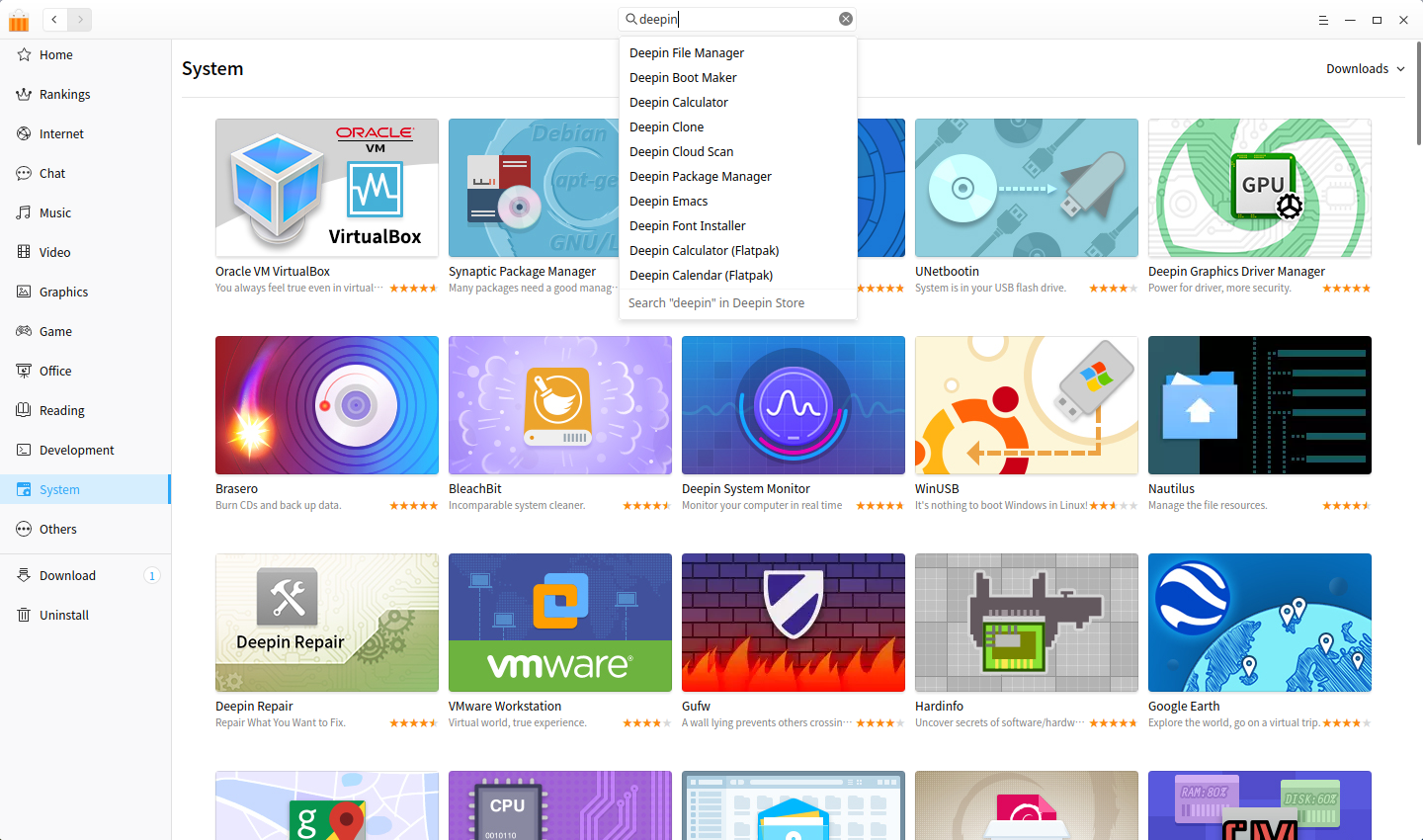
Optimize the performance and run smoothly
A unified style: Use DTK control to keep a unified style with other deepin applications and run more smoothly;
A more friendly error message: When the installation fails, it will try to fix the problem automatically; if cannot, the reason will be shown;
Isolated from the local package management system: Currently both deb and flatpak applications are supported, as well as rpm and snap formats. Users no longer have to worry about package format issues;
Improved the support for HiDPI screens: supports HiDPI screen, and the pictures on it are clearer.

我升级之后,发生问题了,导致目前还无法进入deepinos中,报错信息如下:
kernel panic - not syncing vfs unable to mount root fs on unknown-block(0 0)
....
现在问题还存在,还在折腾修复中,请大神指导。
麻烦在论坛反馈下。
麻烦论坛反馈下,方便提供详细的信息。
打赏是好功能,向苹果学习,可以建立生态了
刚升级完成,报 网络错误
下载网络报错?
Yes, network error for a few days now when launching the new Deepin store.
我的也是,希望深度赶快修复,还有就是商店里的My Paint下载后无法保存,一保存就未响应。
系统更新不了,论坛帐号不能用了
悲剧了好吗?appstore的备案没了么?阿里云封了。
为毛不能附图?
正在更新下载中,慢的一塌糊涂的!哎!
после обновления не работает магазин приложений (ошибка сети) пробовал другие репозитории, тоже самое.
可以考虑一下加入Appimage内的一些软件(非官方,但是有一些官方没有发行的Windows软件,例如TIM和QQ,还有一些游戏),还可以考虑一下Snapcraft(虽然DeepinStore的软件也不少)
升级后,网络错误,有时可以打开,有时无法打开,很不稳定~~~~~ 发布前再请测试下
Excellent Applications Store. Can you please add (at least) two more apps? Like Grub Customizer and Peer Guardian. And please take into consideration the possibility to include installable Theming Packs, for more sets of icons, mouse cursors and so on to be available. Some of them resembling the major Windows Editions : 98, XP, Vista, Seven, Eight, Ten. Deepin lacks at this chapter.
Deepin is already an astonishing operating system. I love it, but more functionality could be added. Like a "hide" option when right clicking on a file or folder (like the Nautilus / Nemo add-on does). Also, the "Show hidden files" selection has a too complicated path. A simple right-click in a white zone should list this option in the pop-up window that consequently opens. Maybe small things, but very important.
Waiting for a [ positive 🙂 ] reaction from your part.
Thank you for your work !
I can't run the deepin store, show: network error.
I already change the mirror but nothing.
Anyone can help me?
32位系统15.4版,能否通过apt-get来安装deepin-appstore?我怕有什么问题…………